 PlanStreet | Street Outreach
Street Outreach Software for Coordinated Care
Document outreach, assess needs, coordinate services, and support individuals from first contact to ongoing care.
Schedule a Demo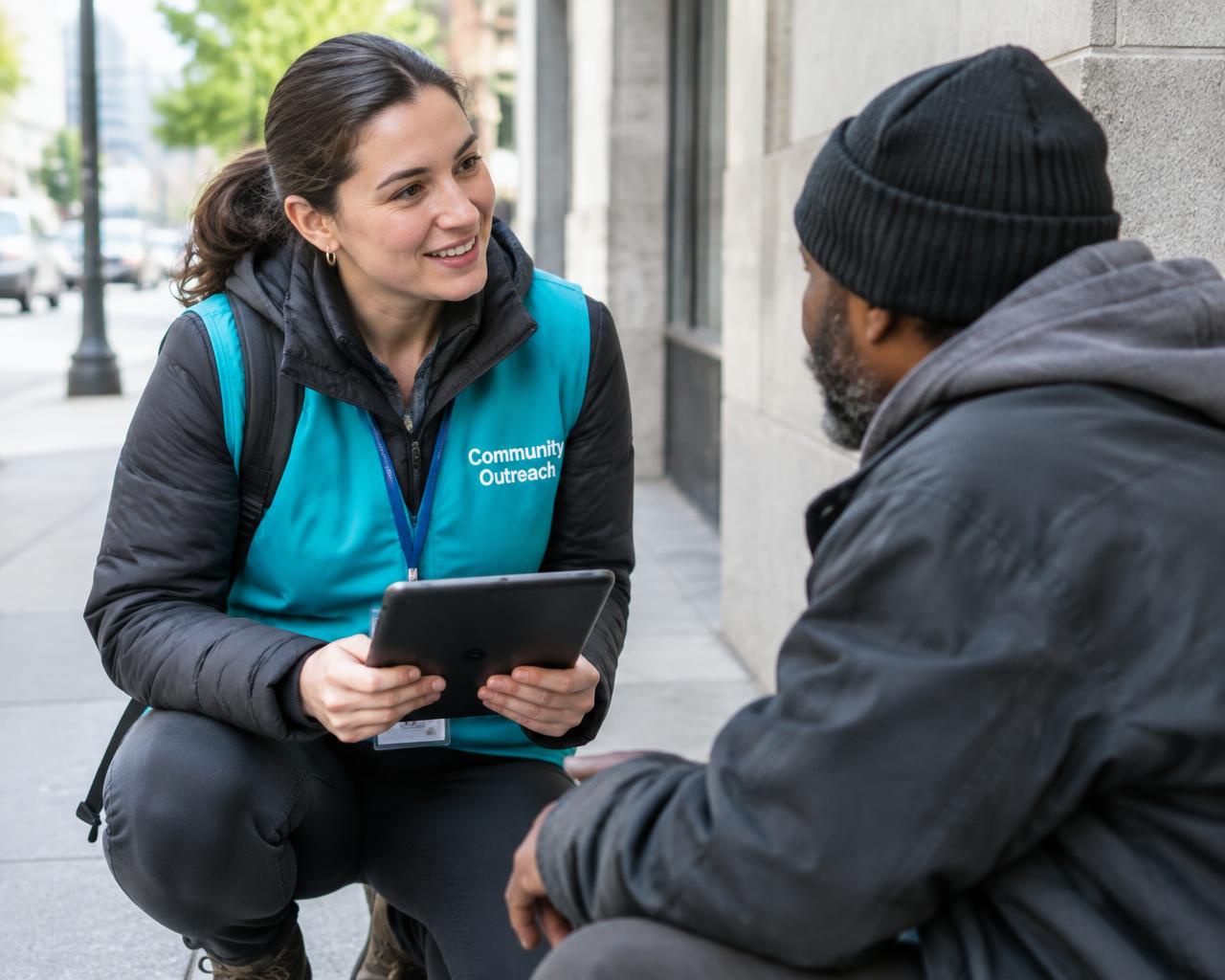
Street outreach workflow
Support Street Outreach from First Contact to Ongoing Care
Care starts in the community. Street outreach teams do important work, connecting with people experiencing homelessness, developing trust, assessing needs, and referring them to the services they need.
PlanStreet helps teams manage field intake, demographic information, needs assessments, service referrals, and follow-ups in one workflow.

Meet in the Field
Connect with individuals in community locations.

Intake & Demographics
Start a client record with the information available.

Assess Needs
Complete configurable assessments as engagement develops.

Connect to Services
Coordinate housing, healthcare, employment, and other referrals.

Follow Up
Keep tasks and future contacts visible.

Track Progress
See services, engagement, and next steps over time.
Engagement & follow-ups
Build Trust Over Time, Across Every Outreach Contact
A first conversation does not always lead to an assessment or referral. Outreach teams may reconnect several times before someone is ready for the next step.
Start a record with the information available, add details over future contacts, and track first contact separately from Date of Engagement. Assign follow-ups so the next case worker knows what happened and what comes next.
 Repeated Contacts
Document interactions, geolocation, and build the client history over time.
 Case Notes & Files
Capture notes, services, assessments, photos, and documents.
 Next Steps
Assign tasks and reminders for future outreach.
Geolocation & field tools
Document Outreach Where It Happens
Outreach teams work across streets, neighborhoods, and community locations. PlanStreet supports phone and tablet access, geolocation capture, and map views so teams can document activity in the field.
Workers can document encounters, attach photos and files, and continue field documentation offline when a connection is unavailable. Miles AI also offers speech-to-text case notes for teams using that capability.
 Geolocation & Maps
Capture outreach locations and view activity on a map.
 Mobile Documentation
Complete intake, assessments, and notes in the field.
 Offline Work
Continue field documentation without an internet connection.
 Role-Based Access
Control who can access sensitive client and location data.
One client record
One Client Record. More Connected Support.
Street outreach is a starting point. When outreach teams determine housing, behavioral health, or other care needs, authorized teams can utilize relevant client history instead of starting over. This connects field outreach with broader HMIS and case management workflows, while keeping access governed by permissions.
PlanStreet identifies potential duplicate client records, helping teams maintain a more complete history of contacts, assessments, services, and referrals. Teams supporting Transitional Housing and Behavioral & Mental Health can continue services with relevant shared context.
One Person. Connected Services. Continued Support.
 One Client Record
Keep relevant outreach and service information connected.
 Potential Duplicate Detection
Identify possible duplicate client records.
 Housing & Care
Support continuity as people move into other programs.
Controlled Access
Share relevant information with authorized staff.
Program reporting & HMIS
Understand Outreach Activity and Program Progress
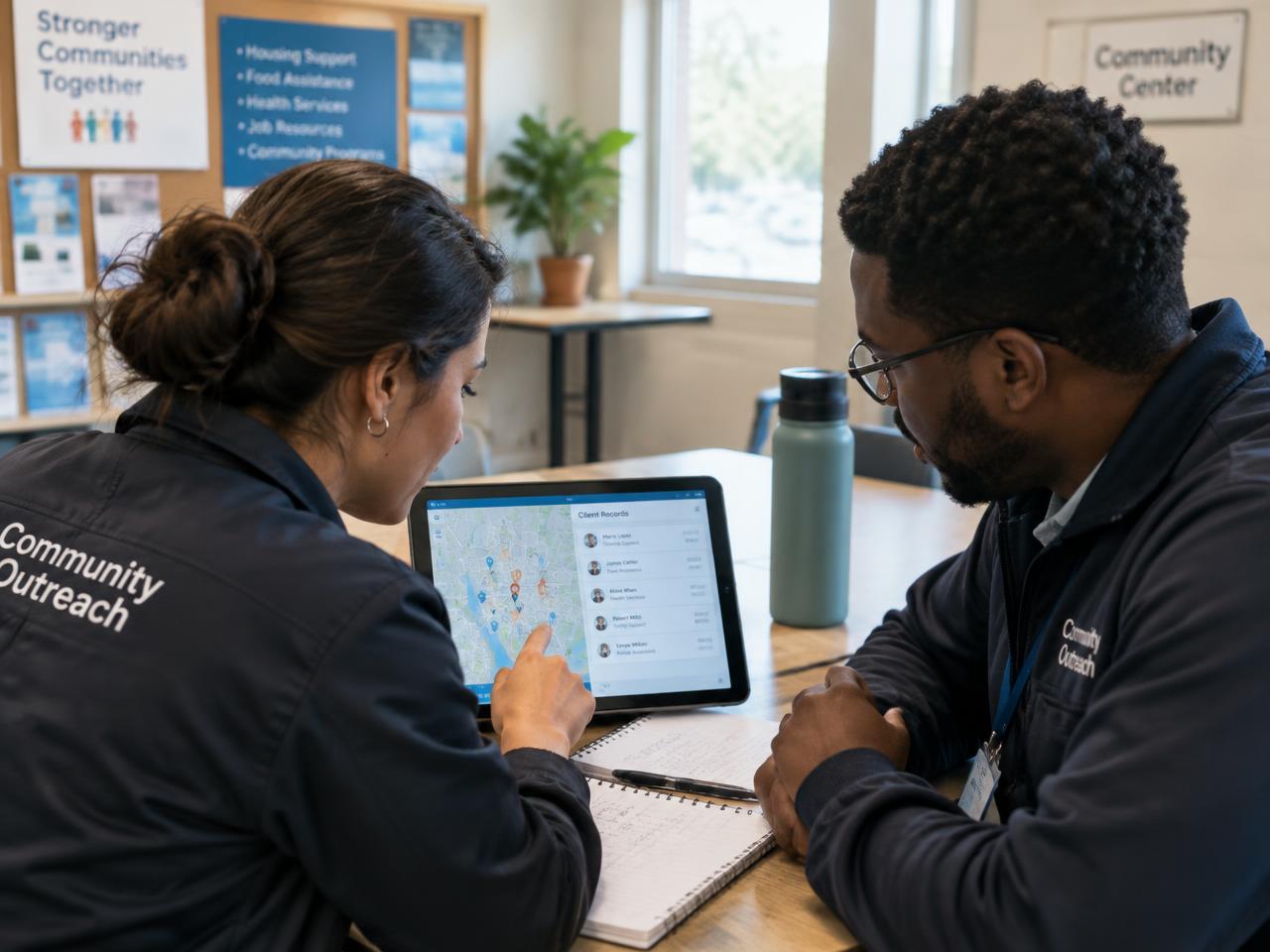
Program leaders need to understand how street outreach teams support improved health outcomes. PlanStreet supports configurable dashboards and reports for outreach activity, engagement, referrals, services, staff activity, and outcomes, with role-based visibility.
Teams can document Current Living Situation, Date of Engagement, and other Street Outreach information in consistent workflows. For broader homelessness data management and HUD reporting, see PlanStreet HMIS Software and HMIS Reports.

Contacts & Engagement
Understand contacts and engagement over time.

Services & Referrals
Review service connections and next steps.

Team Activity
See staff and program activity.

Program Outcomes
Follow progress beyond the initial encounter.
Who it supports
Built for the People Behind Street Outreach
Support the people doing outreach in the field and the teams coordinating services, data, and program outcomes.
Outreach Workers
Document field contacts, intake information, and follow-ups.

Case Managers
Manage assessments, service plans, referrals, and ongoing client support.
Housing Navigators
Help connect individuals with housing resources and track next steps.
Program Managers
Monitor outreach activity, team workloads, and program progress.
HMIS & Data Teams
Maintain accurate records and support reporting requirements.
Agency Leaders
Understand program performance and outcomes across services.
Frequently asked questions
Frequently Asked Questions
Teams can collect demographics, start records with limited information, complete configurable needs assessments, and add details over future contacts.
Yes. PlanStreet supports offline field documentation when a network connection is unavailable.
Yes. Teams can capture geolocation and view outreach activity on a map, with access to sensitive information governed by role-based permissions.
Yes. PlanStreet identifies potential duplicate client records to help outreach teams maintain consistent histories.
Yes. Teams can record services, manage closed-loop referrals, and assign follow-up tasks.
PlanStreet supports Street Outreach documentation, including Current Living Situation and Date of Engagement, alongside applicable HUD/ESG reporting workflows. The reports available depend on program and configuration.
Yes. Authorized staff can access relevant client information across supported programs, subject to role-based permissions and organizational configuration.
Role-based permissions help organizations control access to sensitive client and location information. Learn more about PlanStreet Security and its Trust Center
Make Every Outreach Interaction Count
See how PlanStreet supports field intake, needs assessments, geolocation, referrals, and connected client information for your Street Outreach program.